Appearance
Nordea
Country: Sweden
Business usage
This integration is intended for Nordea's business clients using Nordea Business.
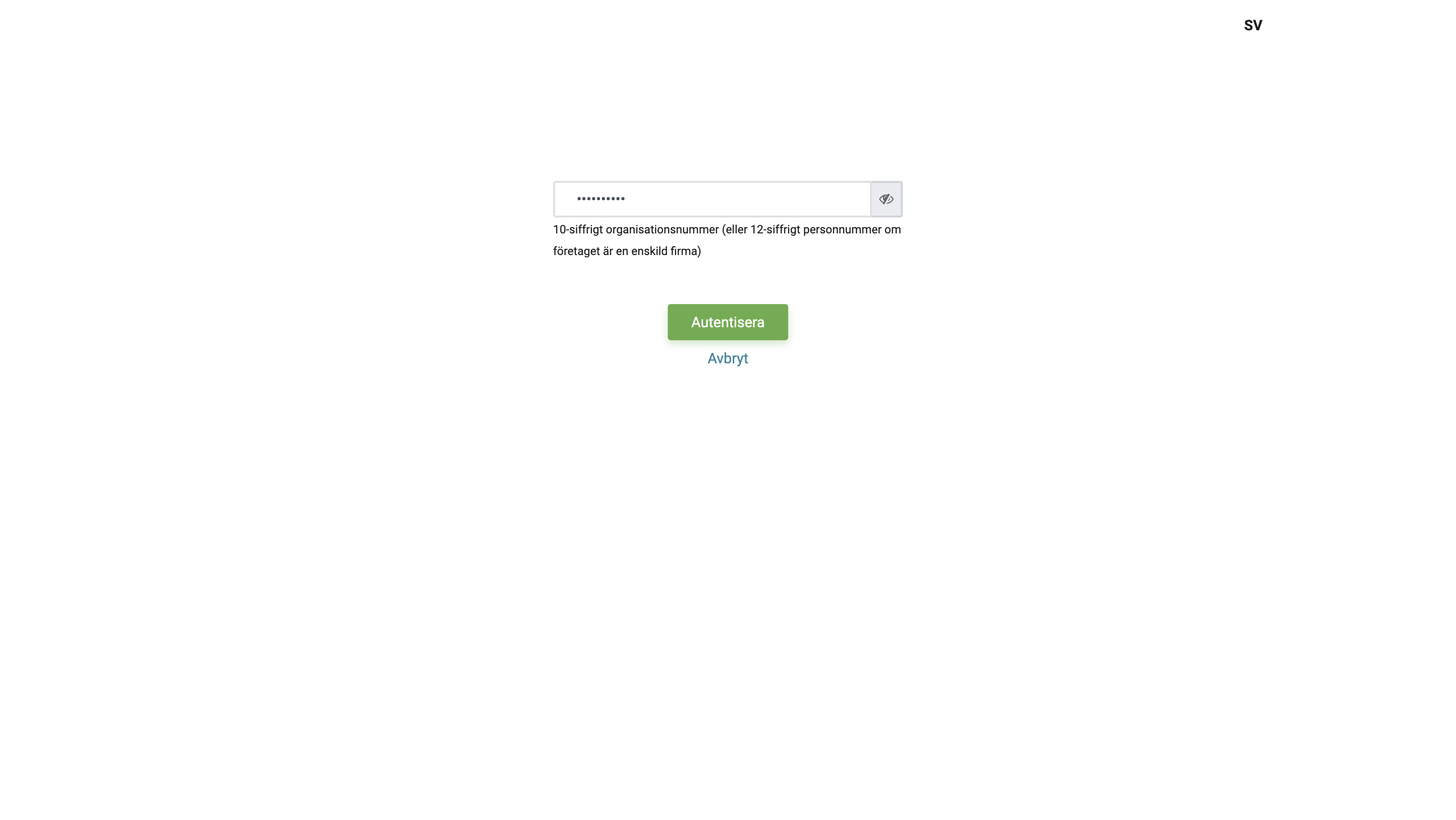
Before you are redirected to Nordea's website for authentication and authorisation of access, it is necessary to provide business ID (organisationsnummer) of your company.
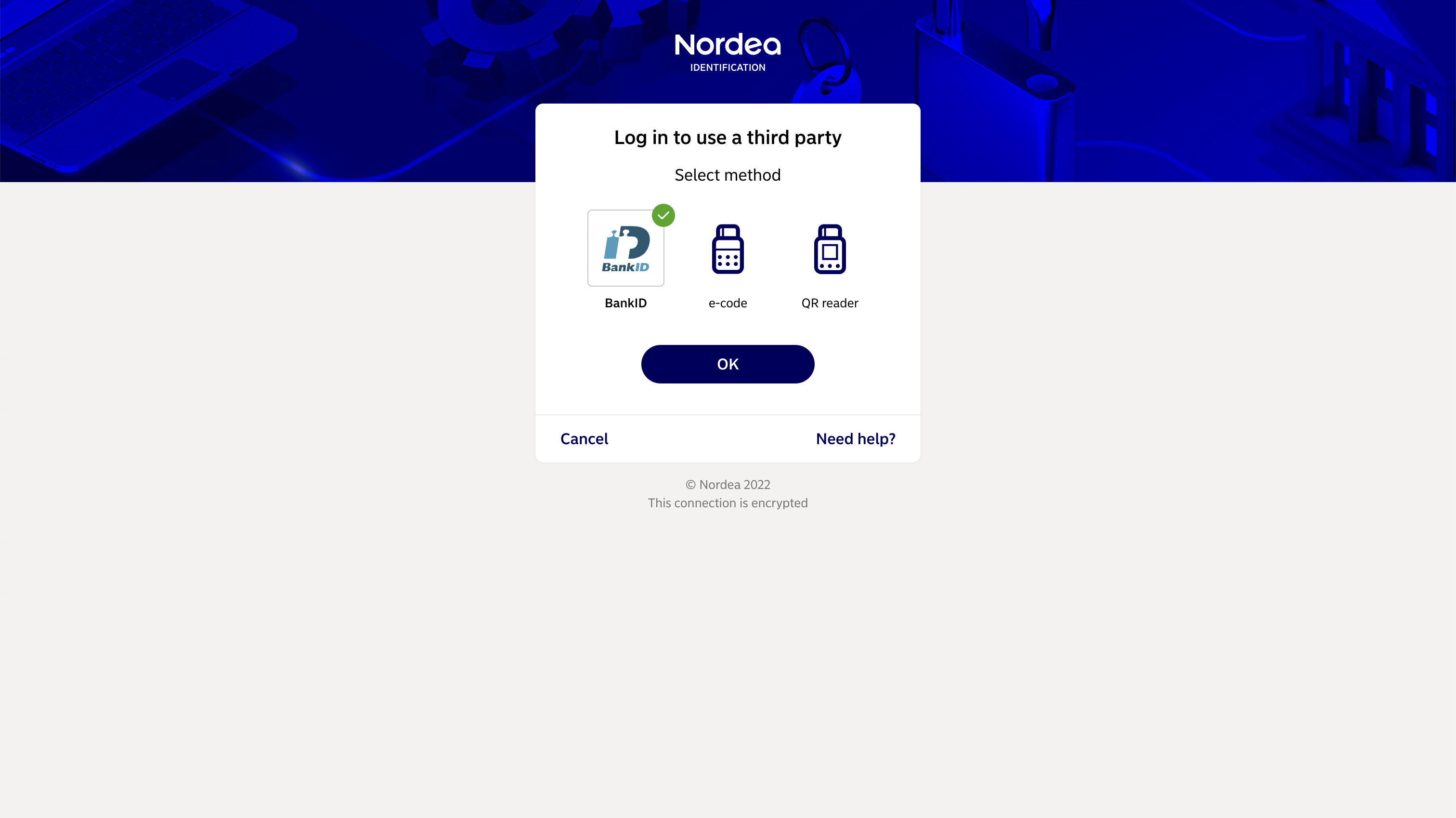
After redirection to Nordea's identification web page you will be asked to choose a desired authentication method and need to follow authorisation steps. It is recommened to use the same authentication method, which you use when accessing Nordea Business.
In case you were able to authenticate yourself but Nordea was not able to provide you access to accounts of the requested company, the following error message will be displayed.
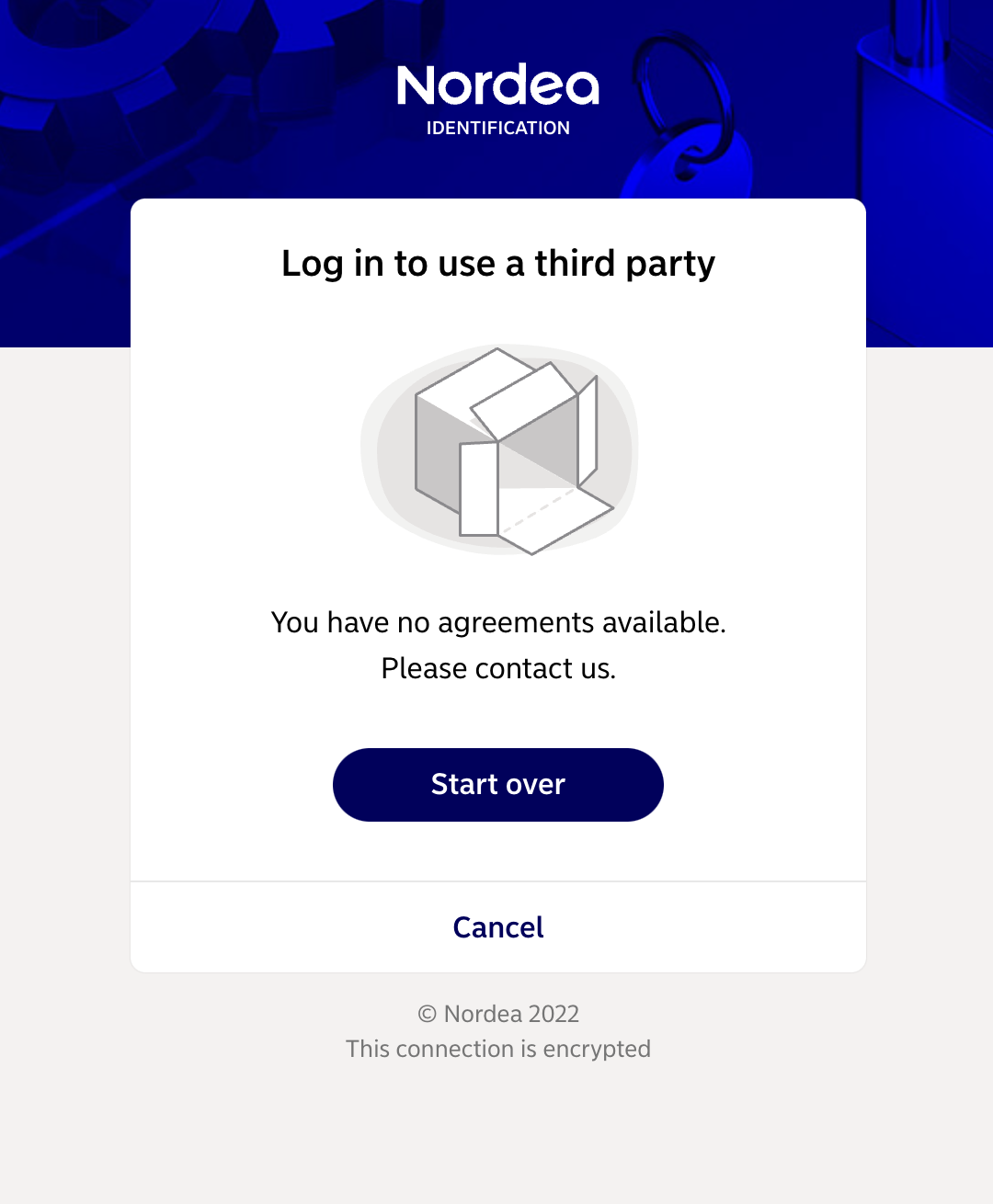
In this case please check that you have entered correct business ID and is able to access Nordea Business. You may need to contact Nordea customer service for further information.
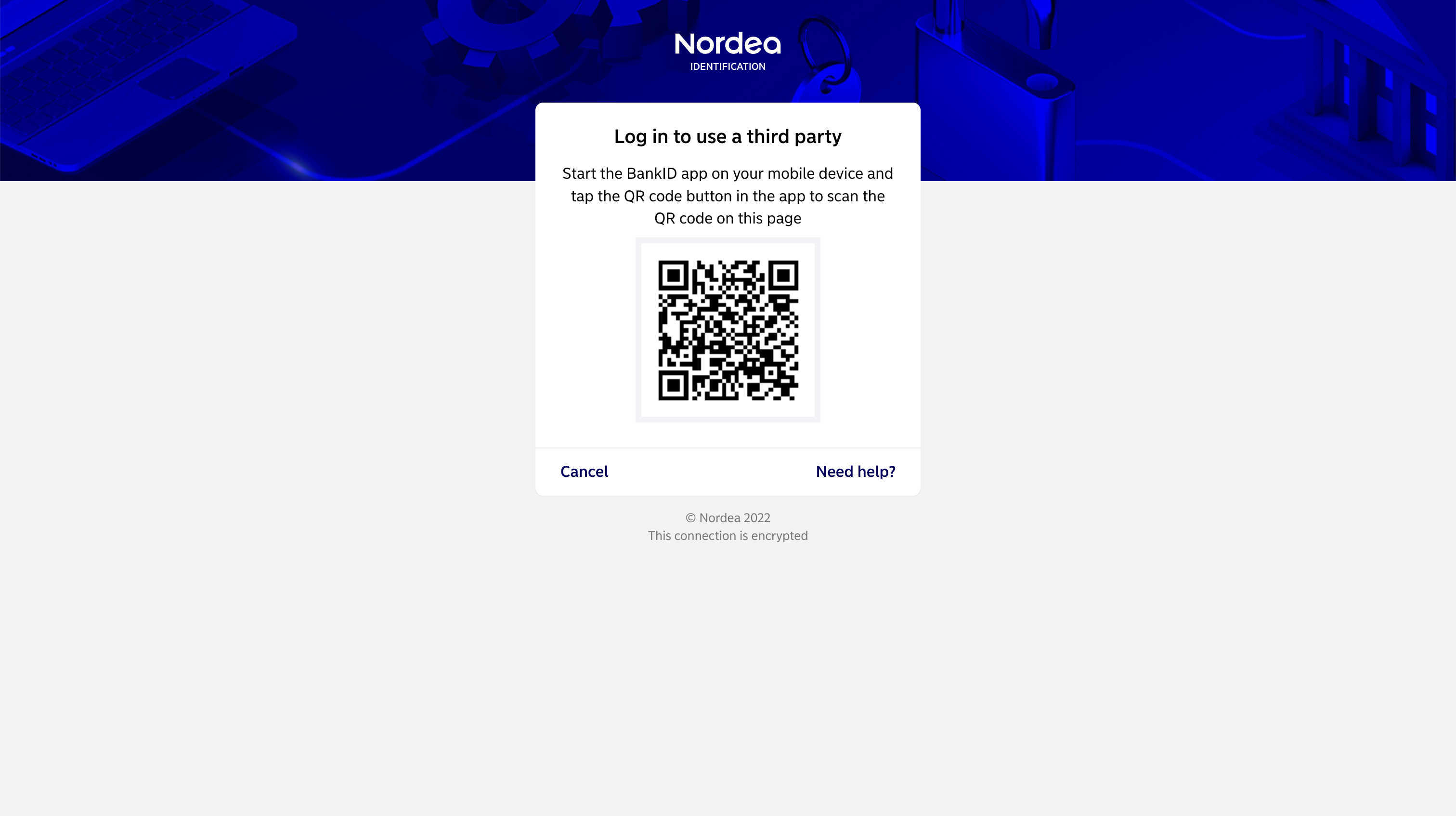
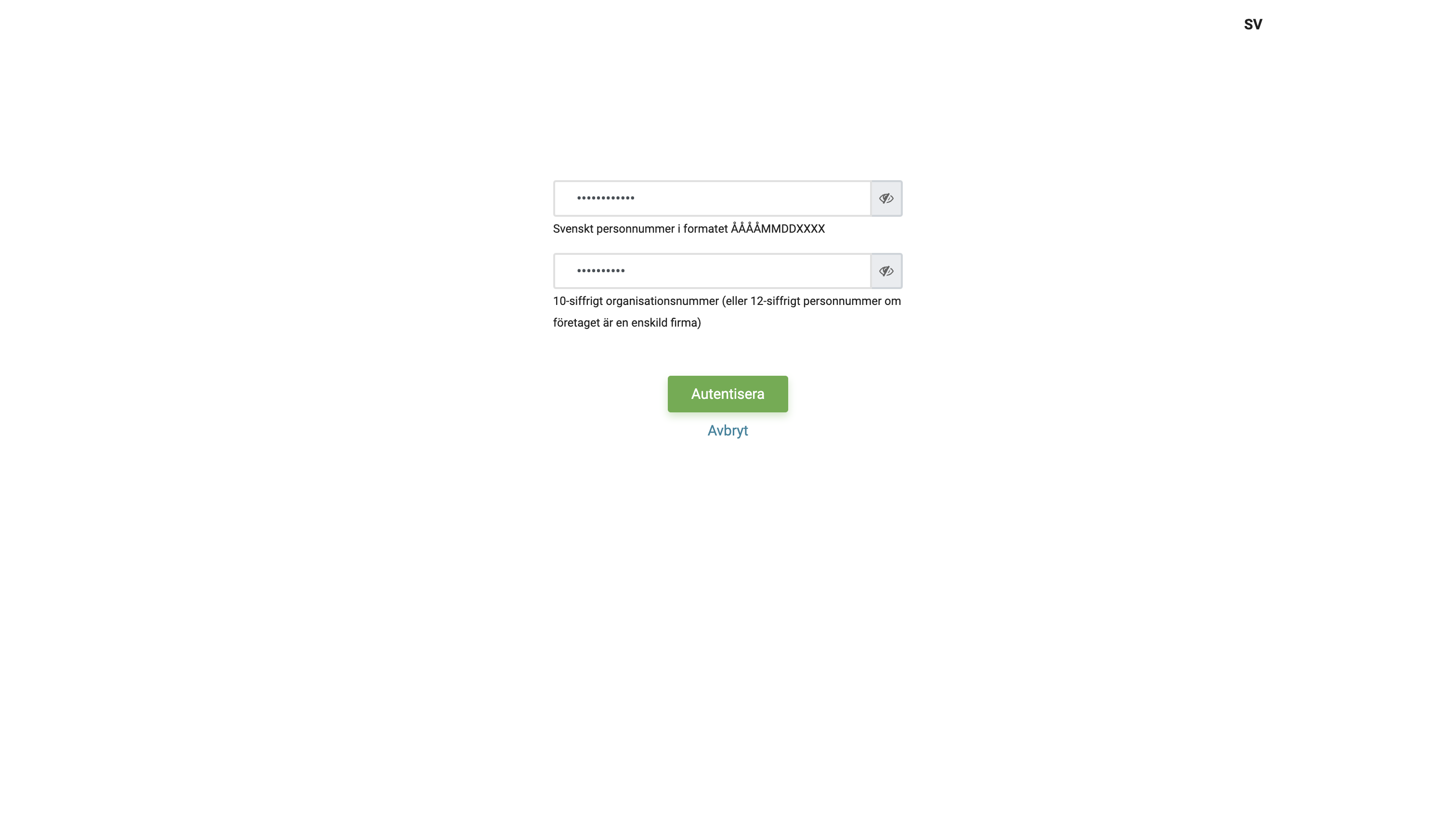
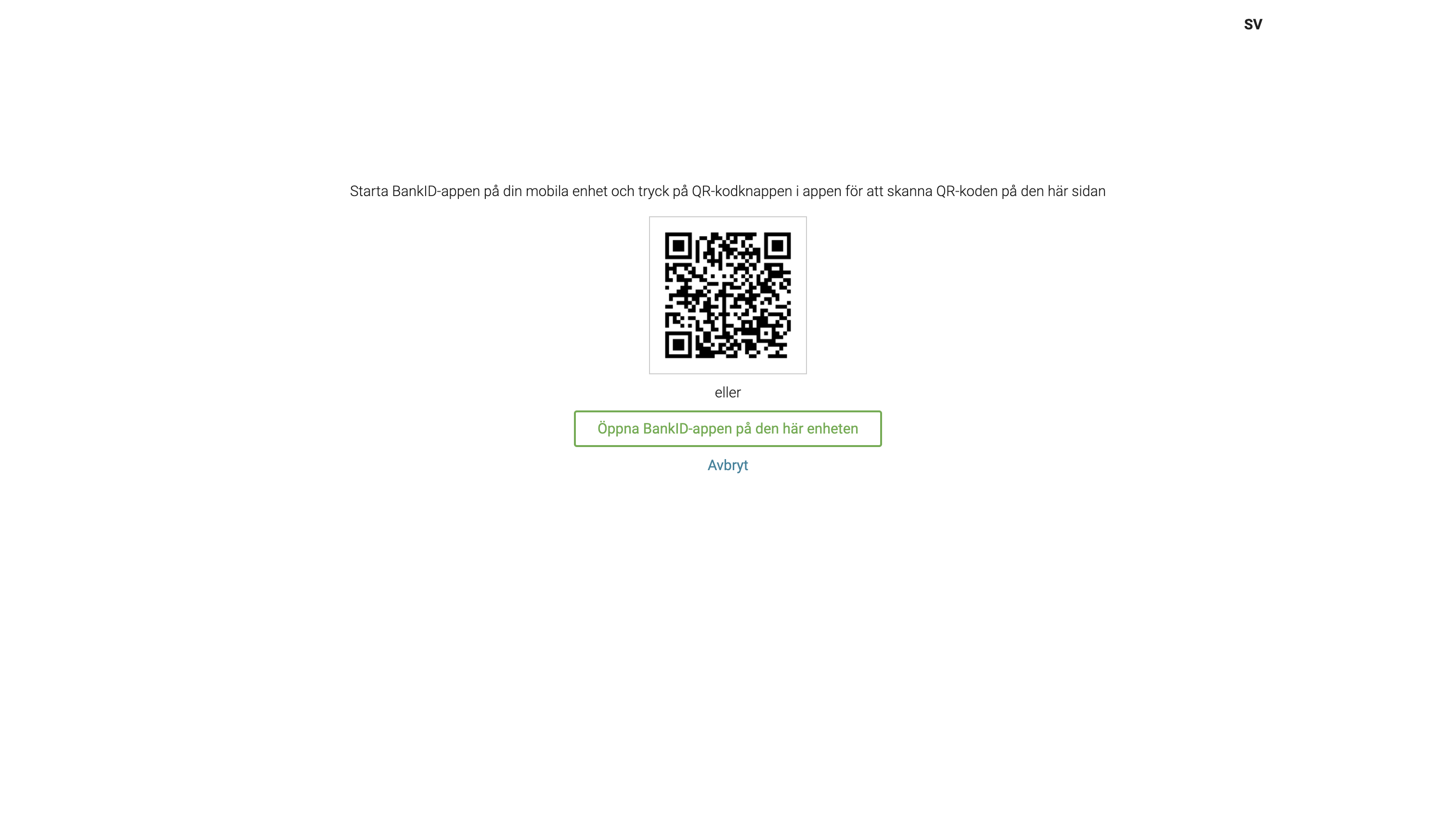
Applications initiating authorisation of access to account information may choose to skip redirecting you to Nordea's website, in this case you'll be requested to enter your social security number and presented with QR code for scanning with Mobile BankID application.
Larger organisations may use Nordea Corporate Netbank. If this is the case for your company, you would need our Nordea Corporate integration. Information on how to use it can be found here.
For small companies business accounts can be accessible through personal online banking, in such case please follow the instruction below for personal usage.
Personal usage
Authorisation of access to account information can be done either through redirect to a dedicated Nordea's website (multple authentication methods are available there) or directly through Mobile BankID application (you will be asked to provide your social security number and presented with a QR code). Authorisation method is choosen by the application initiating it.